Printfit
Print photos at real size
Print photos at real size
Type the size you want. Printfit puts exactly that size on paper — then gives you a PDF that prints true to size on A4, Letter or photo paper.
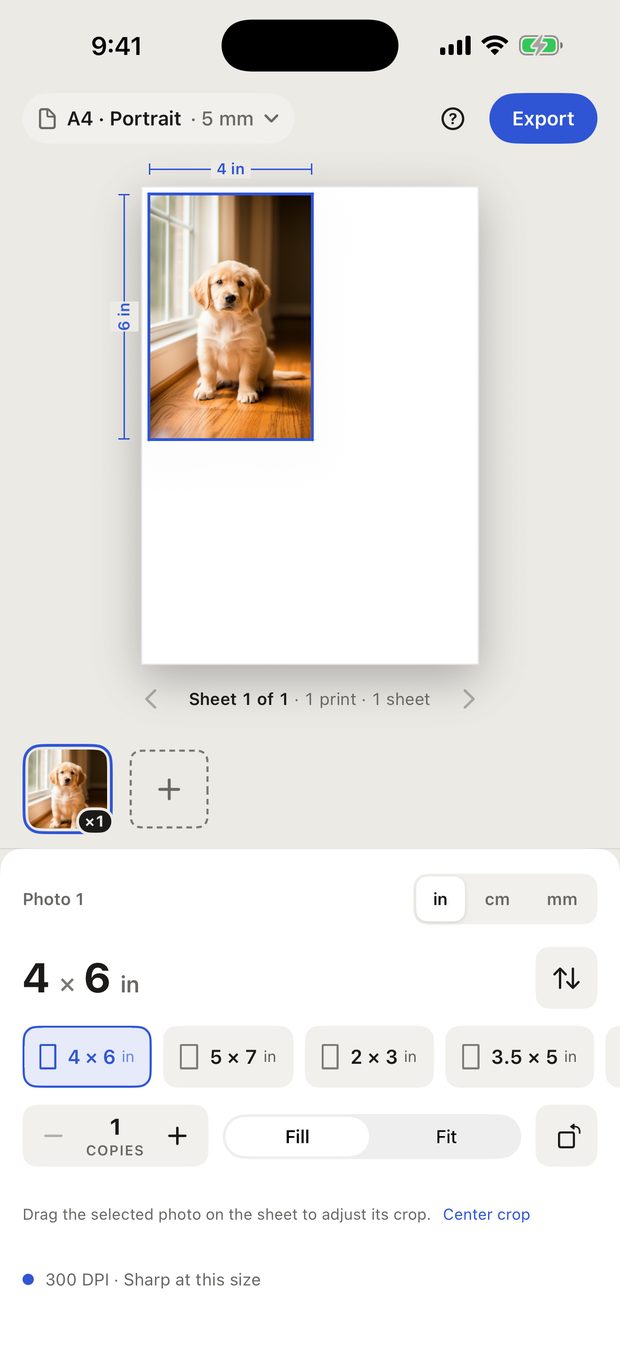
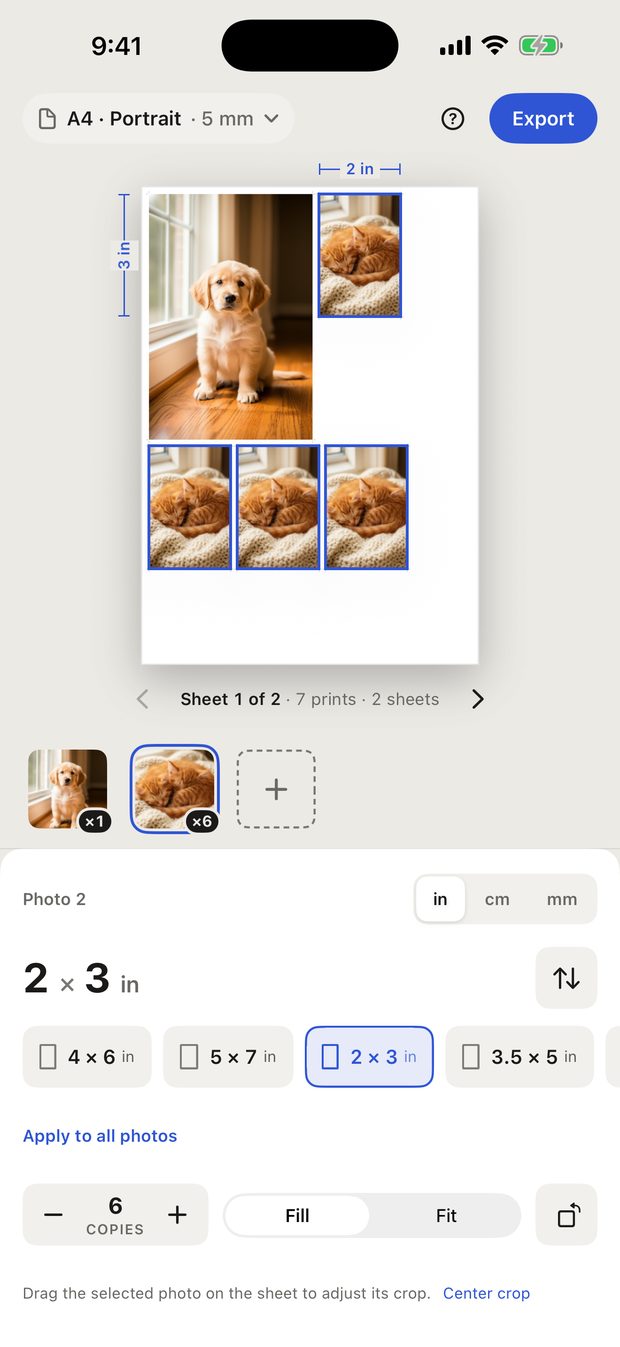
Add the photo, type the width and height you want (for example 10 × 15 cm or 4 × 6 in), and export the PDF. Print that PDF at 100% on the paper you chose, and the photo comes out at the size you typed. The Photos app and most print dialogs scale a picture to the paper; Printfit keeps the dimensions fixed inside the PDF so they don't.
Choose A4 or US Letter as the paper, pick the 4 × 6 in preset, and Printfit places it on the sheet with cut marks. Two 4 × 6 prints fit on one A4 or Letter sheet. Cut along the marks after printing.
Pick the 2 × 2 in or 35 × 45 mm preset, use Fill and drag the photo to frame the head, and set copies to as many as you need. Printfit fills the sheet with that size, on photo paper or plain paper. The size will be right; the background, head size and expression rules are the issuing authority's, so check them before you submit.
Add up to 50 photos, give each its own size and number of copies, and Printfit fits as many as it can on each sheet, turning prints sideways when that fits more. Wallet prints, ID photos, stickers and labels can share one page.
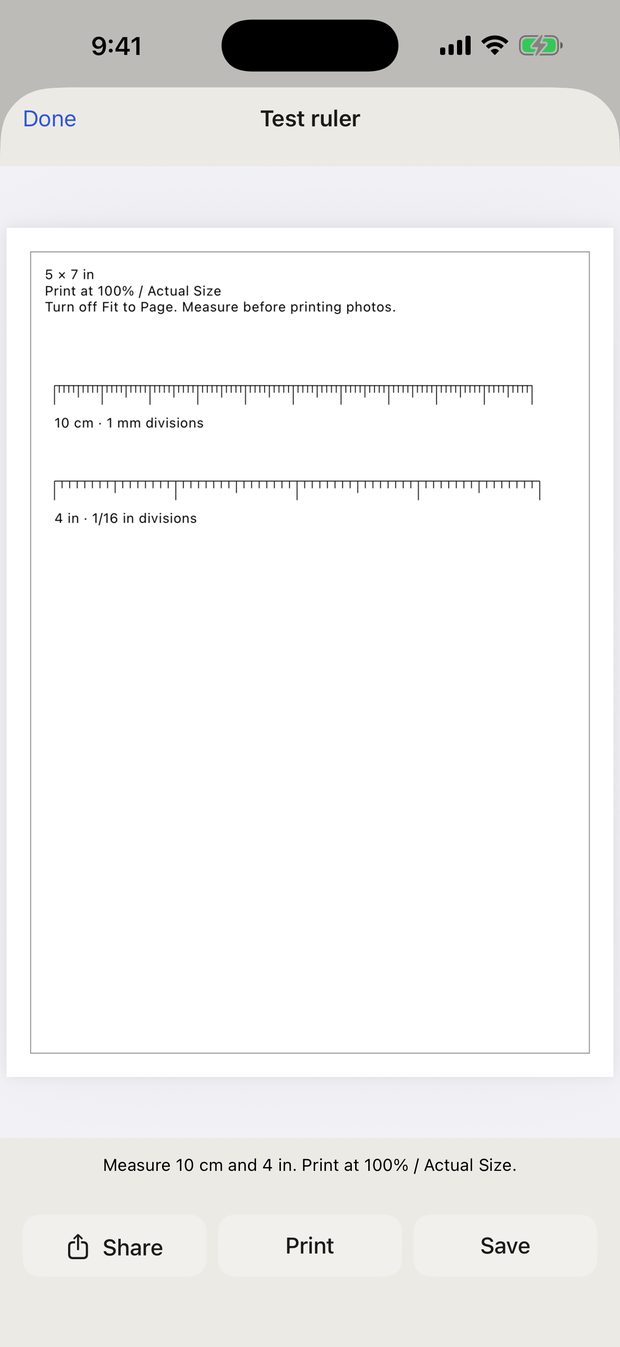
Type the size as numbers in cm, mm or inches. There is nothing to drag or eyeball, and the print measures what you typed, as long as the printer prints at 100%. Print the free test ruler once to check your printer.
Use the 2 × 3 in preset (or 2.5 × 3.5 in) and set the number of copies. Eight 2 × 3 prints fit on one 4 × 6 in sheet of photo paper, and more on A4 or Letter.
Printfit never connects to a printer and needs no setup for one. It makes a PDF, and you print it the way you always do: AirPrint from your iPhone or iPad, or save the PDF to Files and print it from a Mac or PC. Any printer that prints a PDF at 100% works, including inkjets, lasers and photo printers.
Save the image to Photos or Files, add it in Printfit, type the finished width and height, and export. Printfit is for photos, but it treats any image the same way, so sewing patterns, templates, labels and craft pieces print at the size you typed.
Fill covers the whole frame and crops whatever doesn't fit. Drag the photo on the sheet to choose which part stays. Fit keeps the entire photo inside the frame, so you get white space when the photo and the frame have different proportions — the visible picture is then smaller than the size you typed.
You can build your whole layout, use every size and every paper, and print the test ruler, all for free. A free PDF export contains the first sheet, with no watermark. Printfit Full unlocks every sheet with one purchase. It is not a subscription.
Open Printing help from the ? button and tap Restore Purchases, signed in with the same Apple Account you bought it with.
Printfit gives you the correct dimensions only. It does not check the background, your head size or position, or anything else the issuing authority requires. Check their rules before you submit a photo.
That reading is the effective resolution at the size you chose. Below roughly 200 DPI a print starts to look soft up close. Enlarging a low-resolution photo cannot bring back detail that the camera never captured.
You can set margins to 0 mm, but borderless printing depends on your printer, and many printers crop the edges in borderless mode. If an exact size matters more than filling the paper, keep a margin and use larger paper.
Up to 50 photos, up to 20 copies of each, and 300 prints in total per project.
Email xufei547@gmail.com. It helps if you include your iOS version, the paper size you chose, and the print settings you used. Please don't send private photos — a description is enough.